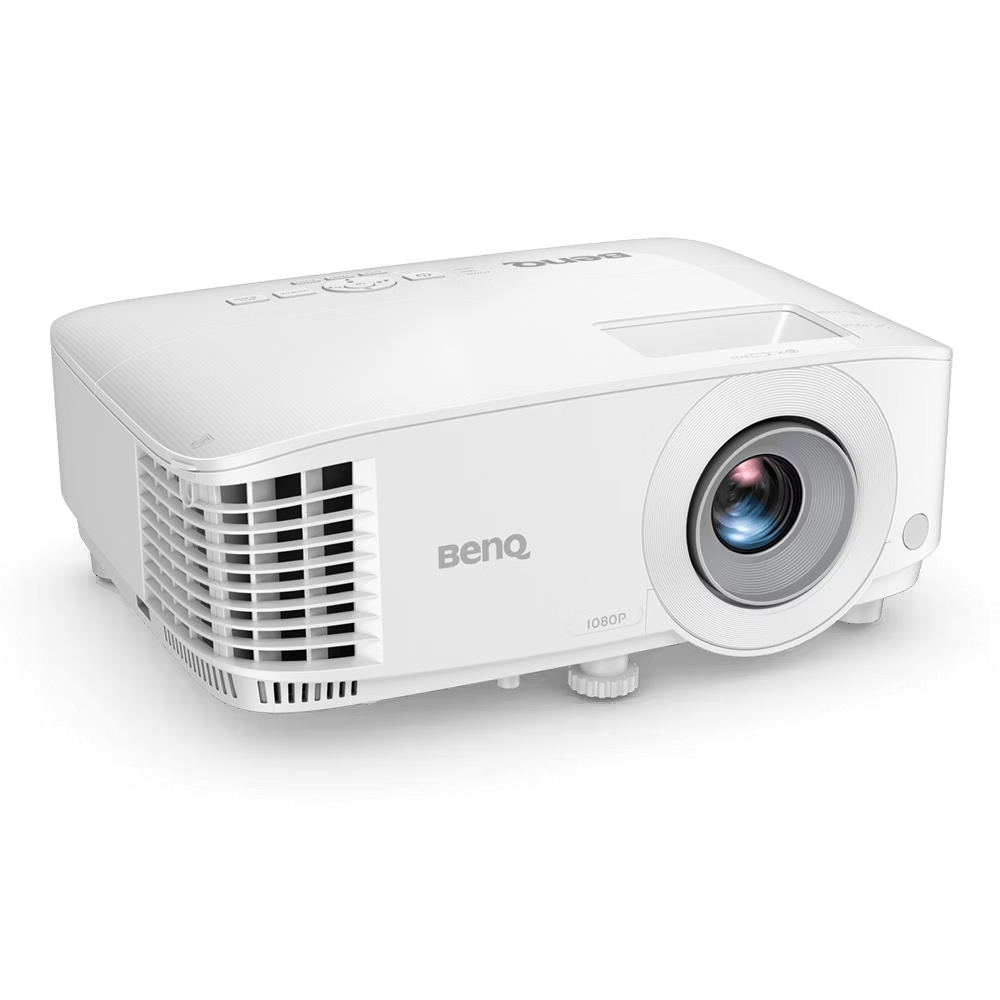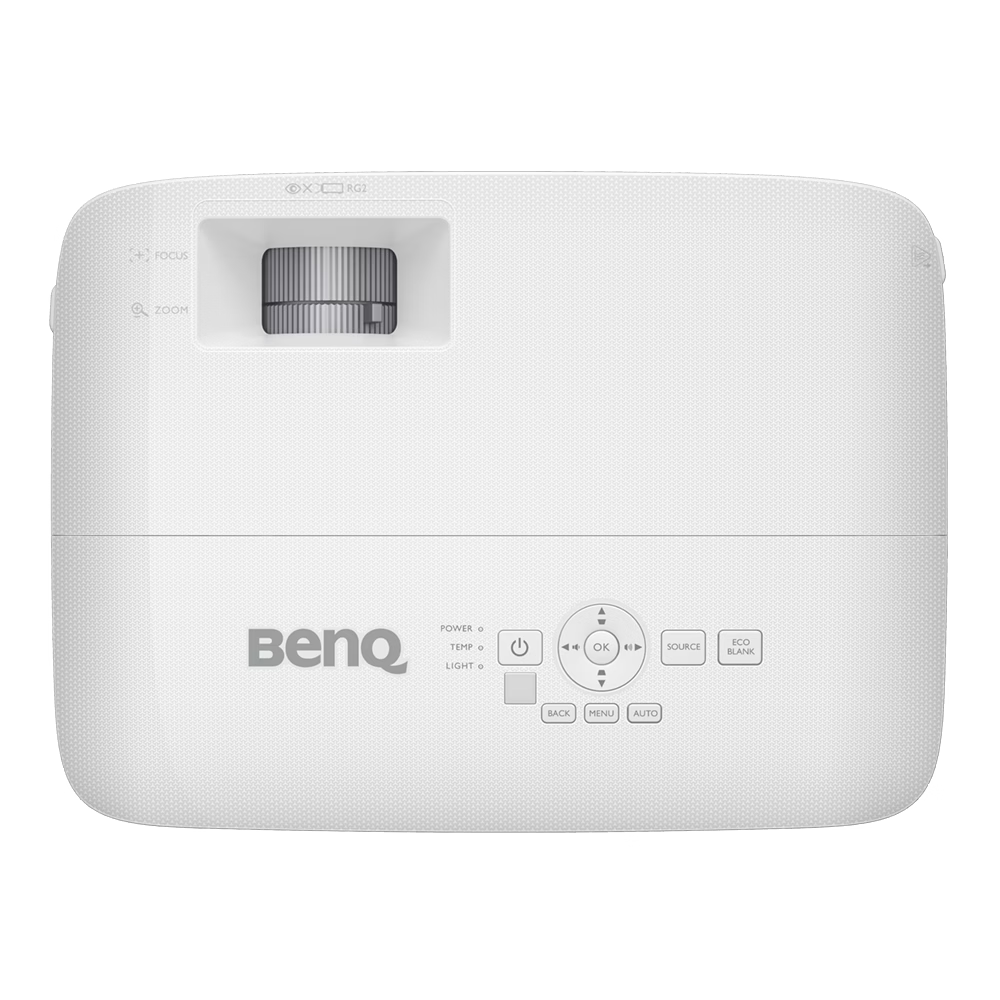
BenQ MH560
Key Features
- Native Full HD Resolution: 1080p (1920×1080) resolution for crisp, detailed images and clear text visibility.
- High Brightness: 3,800 ANSI Lumens allow for comfortable presentations in well-lit environments.
- Exceptional Contrast: A 20,000:1 high contrast ratio delivers deep blacks and vivid color performance.
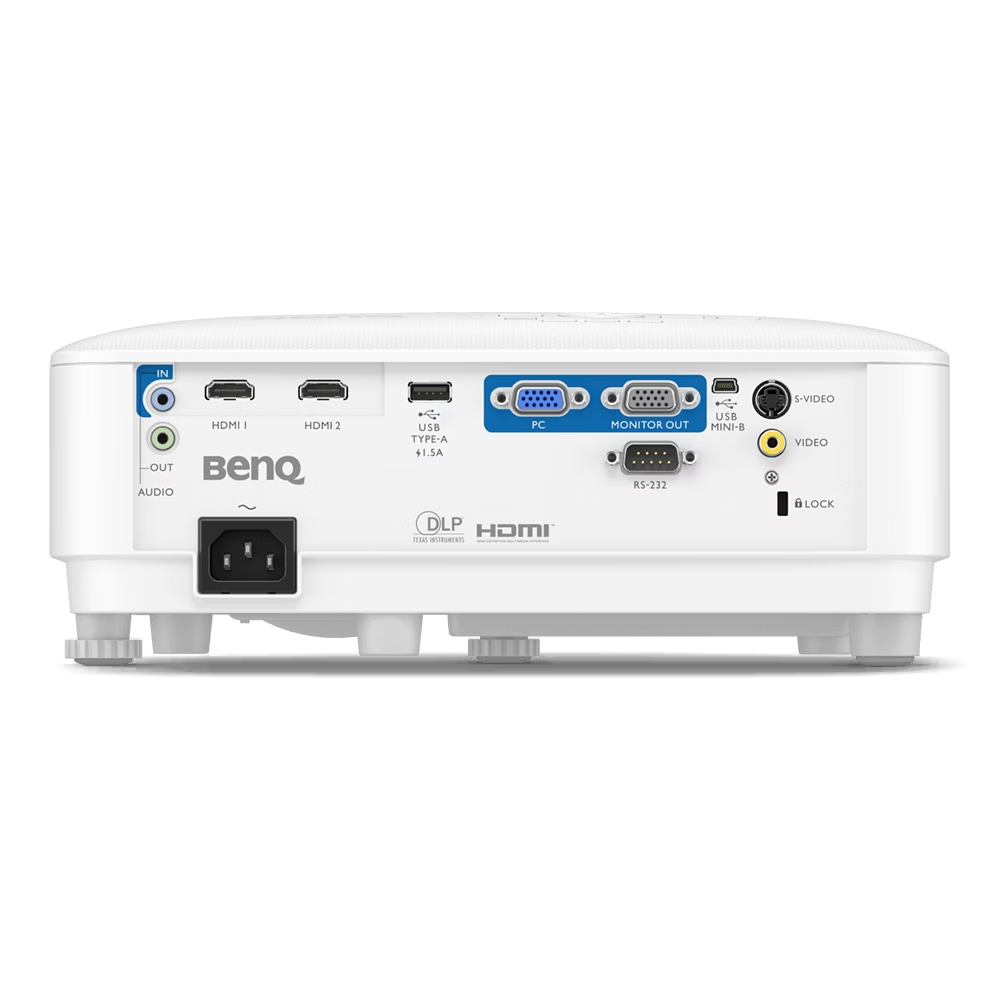
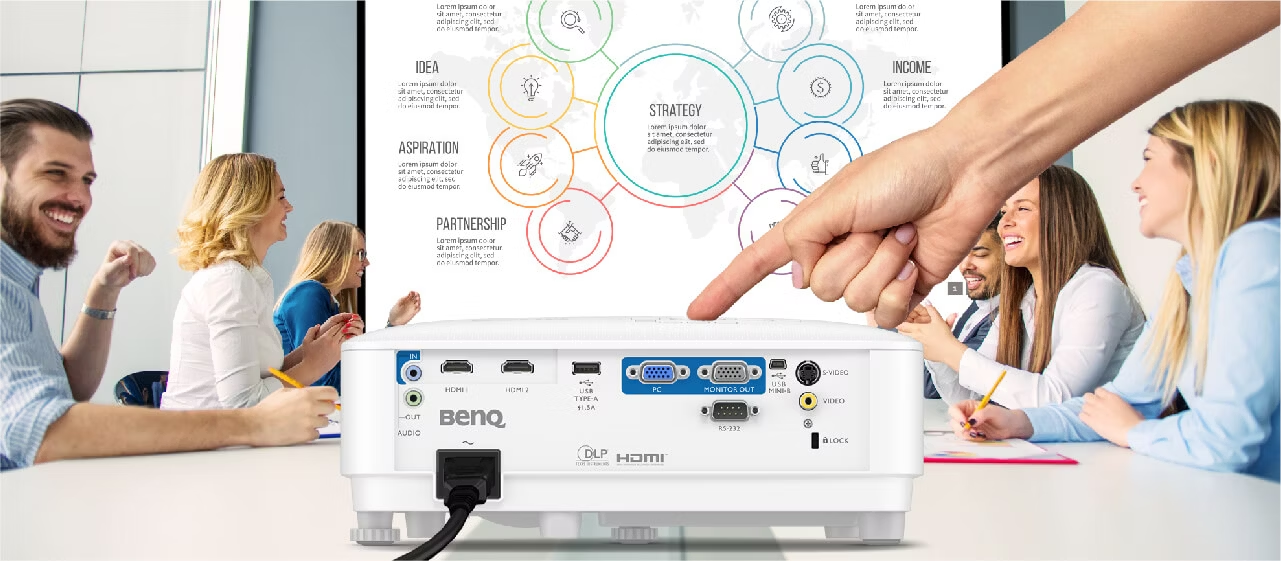
- Dual HDMI Connectivity: Two HDMI ports provide flexible connectivity for multiple presenters and faster data transmission
- All-Glass Lens: High-quality glass lenses minimize chromatic aberration, ensuring long-term image clarity.
- Data Review Mode: A specialized picture mode that emphasizes contrast and clarity for spreadsheets and documents.
- Auto Vertical Keystone: Easily project a perfectly aligned image from various angles with the automatic keystone correction.
- Energy Saving: SmartEco Technology extends lamp life up to 15,000 hours, significantly reducing maintenance costs.
Technical Specifications
Display
- Projection System: DLP Single 0.47″ 1080P
- Native Resolution: 1920 x 1080 pixels (Full HD)
- Brightness (ANSI lumens): 3,800 Lumens
- Contrast Ratio (FOFO): 20,000:1
- Display Color: 30-bit (1.07 Billion Colors)
- Light Source: Lamp
- Light Source Life: Normal 6,000h / Eco 10,000h / SmartEco 10,000h / LampSave 15,000h
Optical
- Throw Ratio: 1.49~1.64
- Zoom Ratio: 1.1x
- Lens: F/# = 2.56 ~ 2.68, f = 22 ~ 24.1 mm
- Keystone Correction: Auto Vertical ± 40 degrees
- Projection Offset: 110%
Audio
-
Built-in Speaker: 10W x 1
Connectivity (I/O Interface)
- HDMI: x2 (HDMI 1.4)
- USB Type-A: x1 (1.5A Power Supply)
- USB Type Mini-B: x1 (Service/Firmware)
- PC (D-sub 15pin): x1
- Monitor Out (D-sub 15pin): x1
- RS232 (DB-9pin): x1
- Audio In/Out (3.5mm Jack): x1 / x1